If you already moved off the old checkout scripts, the next question is whether your tracking actually still fires, and fires exactly once. This is easy to get subtly wrong, where events either stop or start double-counting.
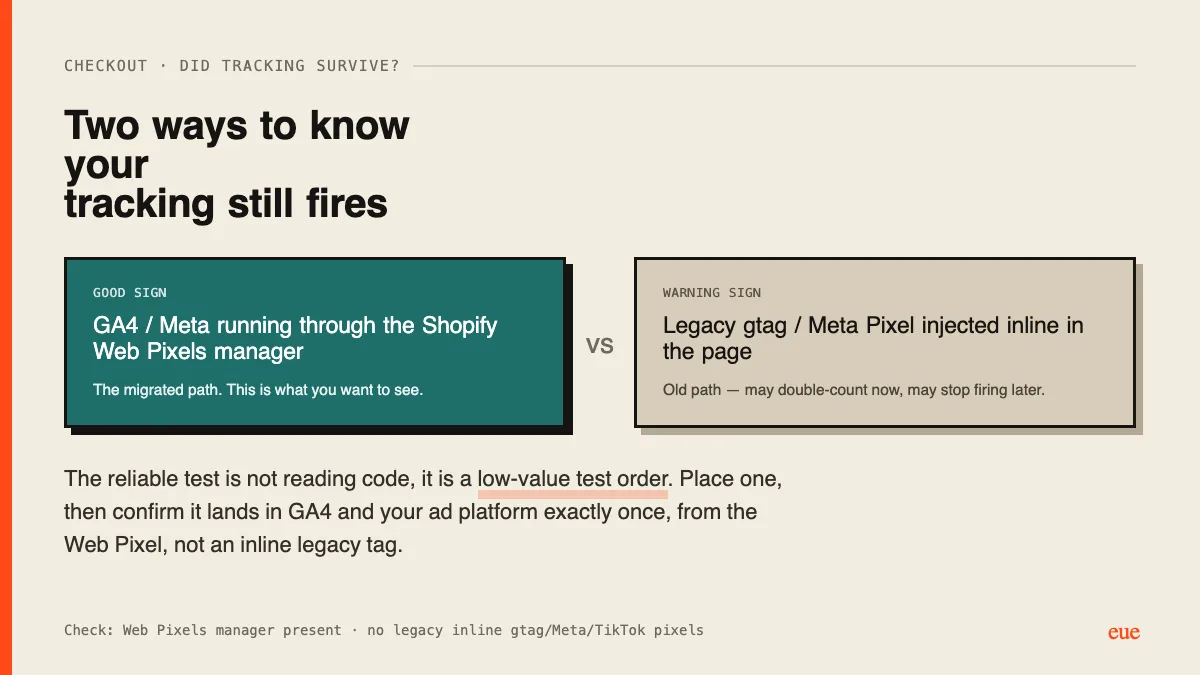
Two signals to look for in your setup:
- Good sign: GA4 and Meta running through the Shopify Web Pixels manager. That is the migrated path.
- Warning sign: a legacy gtag or Meta Pixel still injected inline in the page. It may double-count now (once inline, once via the Web Pixel) and may stop firing when the old paths fully close.
Reading code only gets you so far. The reliable test is a low-value test order: place one, then confirm it shows up in GA4 realtime and in your ad platform's events, exactly once, attributed to the Web Pixel. If you see it twice, you have a duplicate; if you see it zero times, tracking is broken. Do a real purchase, not just a "view content" event, because purchase is the one that matters and the one most likely to be misconfigured.
Has anyone done the test-order check recently? Curious how many found a duplicate they did not know about.
Ran the test order. Duplicate purchase event. Once inline, once via Web Pixel.
My ROAS looked better than reality for weeks because conversions counted twice. Killed the inline tag, fixed.
Use a real purchase to test. Add-to-cart looked fine and hid it completely.