If you are tracking POs in a spreadsheet you know the shape of the problem. One tab per open PO, columns for what you ordered, what arrived, what is still coming, and a notes cell you update every time the supplier emails. It works until one row doesn't get updated after a busy day and the whole picture is wrong.
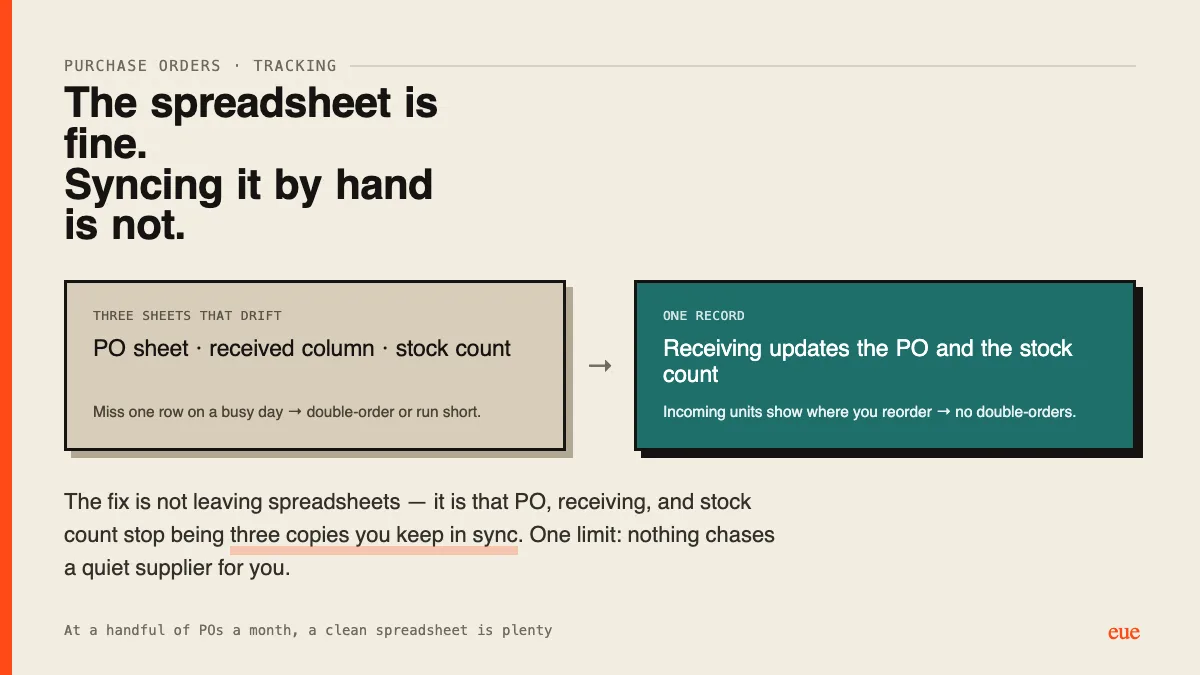
The spreadsheet isn't the real issue. It is that the spreadsheet is a copy of the truth you have to keep in sync by hand. Every supplier email, every partial delivery, every "we're two weeks late" has to be typed into the right cell, and the day you forget you either double-order something already on the way or get caught short.
What fixes it is having PO status live in one place and update from the events themselves: receiving updates the PO directly (partial shows partial, tracks what is outstanding), stock updates from the receive (not a separate chore that drifts), and incoming units are visible where you reorder (so you don't order a second batch of something arriving Tuesday). That last link kills most double-ordering.
One honest limit: none of this tracks the supplier's side for you. A supplier who goes quiet still gets chased by hand. What it removes is the manual copying and the "wait, did that PO arrive?" moments.
For those still on the spreadsheet method, what breaks most, the reconciling, the chasing suppliers, or the double-orders?
Double-orders, every time.
Chasing suppliers is fine, you can see when it's late.
Reordering something already on an open PO is the one that hurts. You find out when a second pallet shows up.
Seeing incoming units where you reorder fixed it.