If you are moving off Stocky, the usual advice is export your POs to a CSV or JSON file, then upload that into whatever you switch to. That works, but the file step is where the annoyance lives, odd column names, a blank SKU here and there, hand-fixing rows before anything imports cleanly.
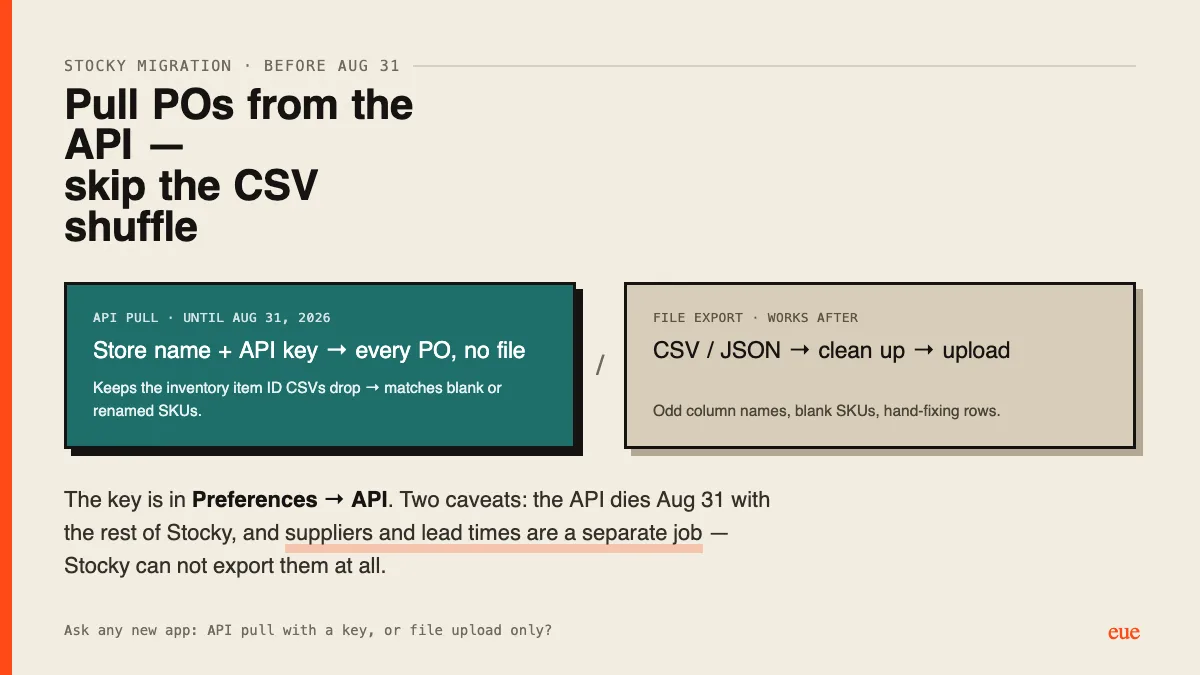
There is a faster path most people don't know about: Stocky has an API, and you can pull your purchase orders straight out of it with a key. No file to export or upload. The key is in Stocky under Preferences → API. With that key plus your .myshopify.com store name, an app can read your POs directly, including fields a CSV drops, like each line's Shopify inventory item ID, which is what lets products match even when a SKU is blank or was renamed.
Two honest caveats before you rely on this:
- Stocky's API stops working on August 31, 2026, same as the rest of Stocky. The API pull only helps if you migrate before then; after that, the file export path is the one that still works, so don't wait if you want the easy route.
- Suppliers are a separate job. Stocky can't export your supplier list at all, and the API is mostly about POs. Whatever tool you move to, plan to bring suppliers and their lead times across on their own.
If your new app supports it, ask directly whether it can pull from the Stocky API with a key or whether it only accepts a file upload. Both are fine, but the API pull saves the file cleanup. If you have already migrated, did you use the API or a file export, and what tripped you up?
API pull here. That inventory item ID is exactly why, my export had a batch of blank SKUs and the API just resolved them.
+1 hard on the suppliers warning. Assumed they'd come across. They didn't. Rebuilding lead times by hand was the real half-day.